To Enable Developer Options by going to Settings > About Phone > Build Number. Tap on Build Number a bunch of times, and you’ll see a prompt when it’s been enabled.
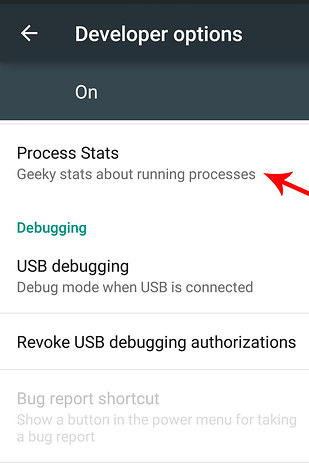
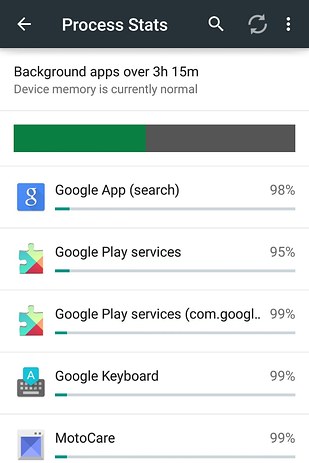
Now Go to Settings > Developer Options > Process Stats. There, you’ll find a ranking of which apps are using the most memory (RAM). If your phone is being *super* s-l-o-w, quit the top shown here.


No comments:
Post a Comment